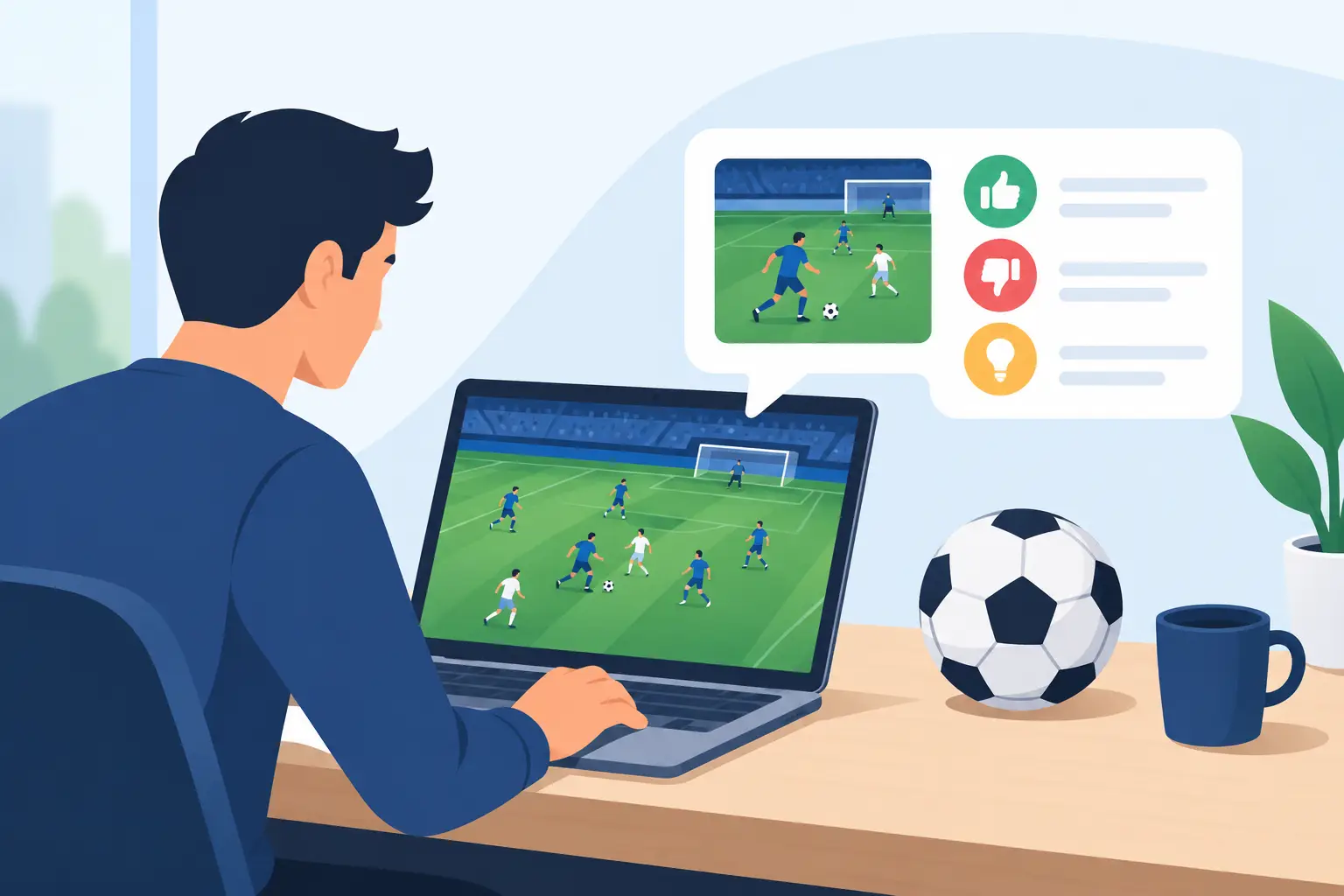
A last-minute equalizer should be exciting because of the decision, the timing, and the pressure – not because a player had to fight tiny text, confusing menus, or controls that their hands cannot comfortably use. To improve football game accessibility, developers need to treat more people as part of the starting lineup from day one.
Football is global. Its game should feel global too. That means creating an experience where a first-time player can understand the basics, a lifelong fan can enjoy deeper tactics, and players with different physical, visual, hearing, cognitive, or language needs can take part with confidence. Accessibility is not a side feature. It is how a football game earns the right to welcome its whole community.
Accessibility Starts Before Kickoff
A common mistake is to think accessibility begins in a settings menu. Settings matter, but the real work starts much earlier. It begins with the game’s core idea: Who gets to play? What could stop them? Which moments create unnecessary frustration?
A football game asks players to process a lot at once. They read passing lanes, watch teammates make runs, react to tackles, manage stamina, follow the score, and decide whether to shoot or reset possession. That intensity is part of the fun. The goal is not to remove challenge. The goal is to make sure the challenge comes from football decisions rather than barriers in the interface or controls.
This distinction matters. A player who loses the ball because they made a risky pass has something to learn. A player who loses the ball because the button prompt vanished too quickly or the camera made the action impossible to see has been let down by the design.
Improve Football Game Accessibility Through Controls
Controls are where many players first decide whether a game feels welcoming. A default controller layout can be a useful starting point, but it should never be the only option.
Full button remapping gives players freedom to place actions where they feel natural. Some players may need to move sprint, shoot, or through-ball commands to more comfortable buttons. Others may use adaptive controllers, one-handed setups, keyboards, or alternate input devices. If a critical action cannot be reassigned, the game is quietly telling some people that the match was not built with them in mind.
Timing requirements should also be flexible. Football games often use rapid button presses, precise skill inputs, and short response windows to create drama. There is a trade-off here: loosen every input too much, and the game can lose its competitive feel. The better approach is choice. Players can select assisted controls, simplified skill moves, reduced rapid-tap requirements, or longer input windows in offline and casual modes, while clearly communicating the rules in competitive spaces.
Holding a button should be an alternative to repeated tapping when possible. Toggle options can help players who find sustained button holds difficult. Adjustable stick sensitivity, dead zones, and vibration strength can make a major difference without changing the spirit of the match.
Make the Pitch Easier to Read
A football game is a visual conversation that moves fast. Players need to know where the ball is, who they control, which direction they are attacking, and what options are opening up around them. Clear visual design helps everyone, especially when a match becomes chaotic.
Start with contrast. Player indicators, pass targets, stamina bars, and score information need to remain visible against different stadiums, kits, weather conditions, and broadcast-style overlays. Do not rely on color alone to communicate possession, team identity, or player status. Add patterns, icons, labels, or shape changes so information stays clear for players with color vision differences.
Text deserves the same attention. Small fonts may look clean in a trailer, but they can create real friction on a couch, a smaller screen, or a handheld device. Offer adjustable text sizes, high-contrast menus, readable subtitles, and enough time to review tutorials and tactical instructions. If a player cannot comfortably read a menu, they cannot make an informed choice inside it.
Camera settings are another powerful tool. One player may love a wide tactical view. Another may need a closer camera to track the ball, or a higher angle to see space develop. Adjustable zoom, height, motion effects, depth-of-field effects, and screen shake can turn an overwhelming view into a playable one.
Sound Should Inform, Not Exclude
Crowd noise, commentary, whistles, and the strike of the ball help football feel alive. But audio cannot be the only way a game communicates. If the referee stops play, a player calls for a pass, or a tactical change takes effect, visual alternatives should be available.
Captions should go beyond spoken dialogue. Useful captions can identify important sounds such as a whistle, a post hit, crowd reactions, or an incoming tactical instruction. Visual indicators for offside, fouls, substitutions, and match events can help players stay connected to the action without depending on sound.
Audio controls should be separated too. Let players adjust commentary, music, crowd noise, effects, and menu sounds individually. Someone may want to lower stadium noise to better hear a screen reader or a teammate in voice chat. Another player may want stronger gameplay cues and less commentary. Choice creates comfort, and comfort helps players focus on the match.
Build Tutorials That Respect Different Players
The best tutorial is not a wall of text that players rush through once. It is a system that teaches at the player’s pace.
Newcomers need simple explanations of passing, defending, movement, and shooting. More experienced players may want advanced tactical lessons, set-piece practice, and deeper control options. Both groups benefit from repeatable drills, pause-anytime instructions, and clear feedback after mistakes.
Avoid treating assistance as a sign of weakness. Aim assists, passing assists, defensive guidance, tactical prompts, and difficulty adjustments can help players find their footing. These tools should be easy to change, easy to understand, and free from judgmental language. A player may use assistance for their first ten matches, forever, or only when playing with friends. Each choice is valid.
Difficulty should not be one rigid slider, either. Some players want slower gameplay but intelligent opponents. Others want help with finishing while keeping hard tactical challenges. Adjustable difficulty by category can make matches more personal without making them less meaningful.
Accessibility Needs a Community, Not a Checkbox
No development team can predict every barrier alone. Real players reveal what a design document misses. That is why feedback from disabled gamers, casual players, football fans, and accessibility specialists should shape the game throughout development – not just appear at the end as a final test.
Invite people to test early builds. Ask direct questions: Which moments feel tiring? What is hard to see? Which instructions are unclear? Where does the game ask for speed when it does not need to? Then act on the answers and explain what changed. Listening only builds trust when players can see that their voices made a difference.
For an independent, community-backed project such as Infinity Football, this approach is especially exciting. Supporters are not simply waiting for a finished game. They can help push the vision toward a football experience that reflects more fans, more play styles, and more ways to belong.
Transparency matters here as well. Not every request can be delivered immediately, and some features take time, testing, and resources. Saying that clearly is better than making promises no team can keep. A community will respect honest progress when it can see a genuine commitment to improvement.
Keep Competitive Play Fair and Welcoming
Accessibility and fairness are often framed as opponents. They do not have to be. The key is designing modes with purpose.
In local play, friendly matches, career experiences, and casual online spaces, broad customization lets more people enjoy football their way. In ranked competition, certain settings may need shared rules so every participant understands the conditions. That is not a reason to remove accessibility options across the game. It is a reason to communicate which options apply in each mode and why.
Players should also be able to find welcoming spaces. Clear reporting tools, respectful voice-chat controls, text-chat filtering, and options to mute or limit communication can make online football feel safer. Community is built through great goals and close matches, but it is protected by giving players control over how they interact.
A football game becomes more exciting when more people can join the moment. Build for the fan learning their first through ball, the player adjusting a controller layout, the friend turning on captions, and the competitor chasing a late winner. When everyone can get closer to the action, the future of football gaming gets bigger, louder, and more worth building together.